Description
This version contains YouTube Plus, Return YouTube Dislikes, DontEatMyContent and Open in Safari extension
Features:
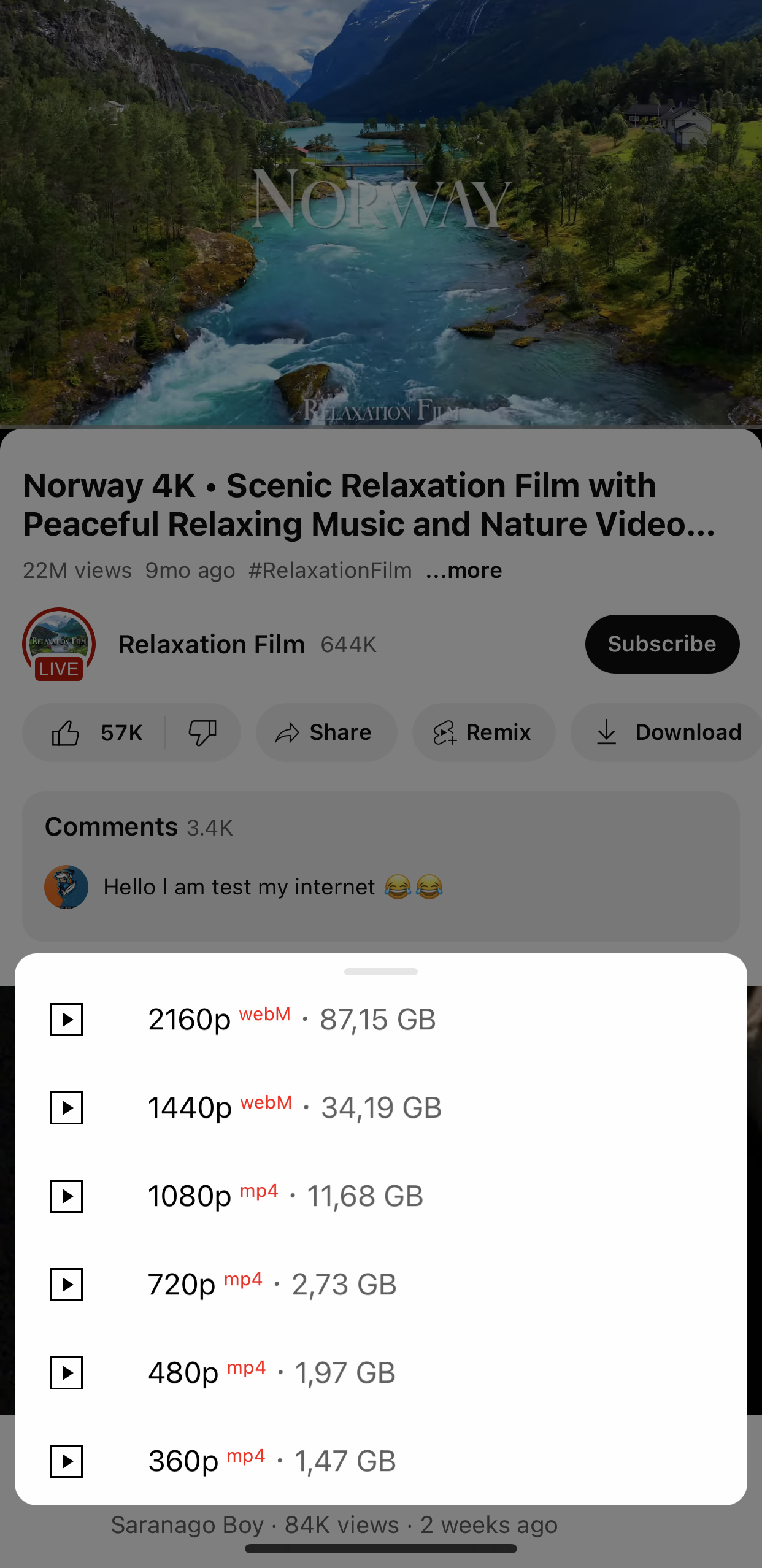
• Download videos, audio (including audio track selection), thumbnails, posts, and profile pictures
• Copy video, comment, and post information
• Interface customization: Remove feed elements, reorder tabs, enable OLED mode, and as use Shorts-only mode
• Player settings: Gestures, default quality, preferred audio track
• Save, Load and Restore settings. Clear cache once or automatically on app startup
• Built-in SponsorBlock
• And much, much more
YouTube Plus preferences can be found in the YouTube settings
Change Log
YouTube Plus v6.0
YouTube Plus Player
• New built-in player for downloaded videos and for streaming videos straight from YouTube without downloading
• Queue, video quality selection, subtitles, audio tracks, ambient mode, SponsorBlock, sleep timer, Discord RPC, gestures, mini player, background playback, Picture-in-Picture and more
• Remembers playback progress and resumes where you left off
• Option to open videos in the YouTube Plus player instead of YouTube's
Downloads
• New Downloads tab with shared, separate and private sections
• Select multiple files and act on them at once
• Resume interrupted downloads
• Download whole playlists
• Download later action in the download menu
• Edit metadata before and after downloading
• Convert videos and songs before downloading or any time later
• Downloads keep running in the background
• Download sheet remembers the last selected post-download action and encoding preset
• Improved downloader engine with support for new YouTube versions
Parental control
• Passcode for YouTube and YouTube Plus settings, account switching and the tab bar menu
• Restricted mode
• External link blocking
• Watch history
• Daily limit and allowed hours
• Channel blocklist and allowlist
YouTube Player
• Improved speed controls in the player overlay
• Inverted fullscreen option in the player overlay
• Loop button in the player overlay
• Rearrange the tweak's buttons in the player overlay
• Option to disable Picture-in-Picture
• Added "Don't offer SharePlay" option
• Option to keep feed videos muted when pressing the volume buttons
• Sleep timer can stop playback after a chosen chapter
• Improved selection of quality, subtitles and audio tracks
• Set several preferred languages for audio tracks and subtitles
• Option to enable captions when the preferred audio track isn't available
• More options to hide buttons under the player and in the context menu
• Improved playback fix mechanism
• Fixed YouTube Premium downloads on sideloaded installs (requires a YouTube Premium subscription)
Feed & Shorts
• Hide sponsored videos in profiles, new Playables and other feed elements (see the Feed section)
• Hide the new ads in Shorts
• Improved hiding of unwanted elements
• Fixed Shorts auto-skip on newer versions
Tab bar
• Add playlists as tabs
• Improved tab editor, tabs can now be edited offline
• The Downloads tab no longer reappears on every launch
SponsorBlock
• Submit segments, vote on existing ones and change their categories
• View all sponsor segments from the SponsorBlock menu in the player overlay
Interface & Settings
• Liquid Glass support (enable in Interface settings)
• The keyboard always stays original regardless of the selected interface, except for the floating keyboard
• Removed the OLED keyboard on iOS 27 (no longer works on sideload)
• Fixed sheets not following the YouTube theme
• More options to hide navigation bar buttons
• All menus redesigned, improved search bar and Split View support on iPad
• License status and date in the tweak's settings
• Fixed random "Access denied" errors
Other
• Adapted for YouTube 21.43 and iPhone Duo: floating tab bar, new channel watermarks, OLED theme in the new feed
• Fixed playback issues
• Improved support for legacy versions
• Improved opening of videos from links
Version
21.43.5
Last Updated
November 2, 2026